

Already using Canva Free? You’re in the right place.
This link upgrades your existing Canva account to Pro — you don’t need to create a new account, and you won’t lose any of your designs, uploads, or folders.
Just make sure you’re logged into the account you want to upgrade before clicking the button below.
Start My Free Canva Trial*
*I earn a small commission if you subscribe after your trial, at no extra cost to you.
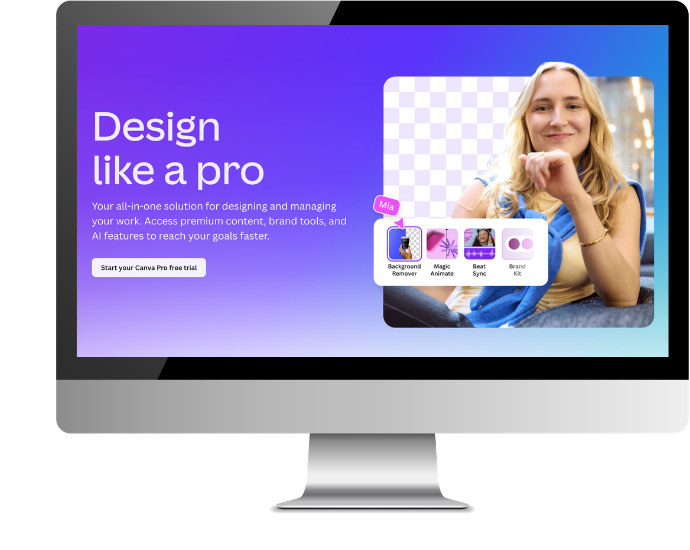
Is Canva Pro Right for You?
If you’re using Canva for your business and keep bumping into the limits of the free plan — features that are greyed out, watermarks on premium elements, or tools you’ve seen in tutorials that you can’t access — this page is for you.
The 30-day trial gives you full access to everything Pro has to offer, with no commitment required.
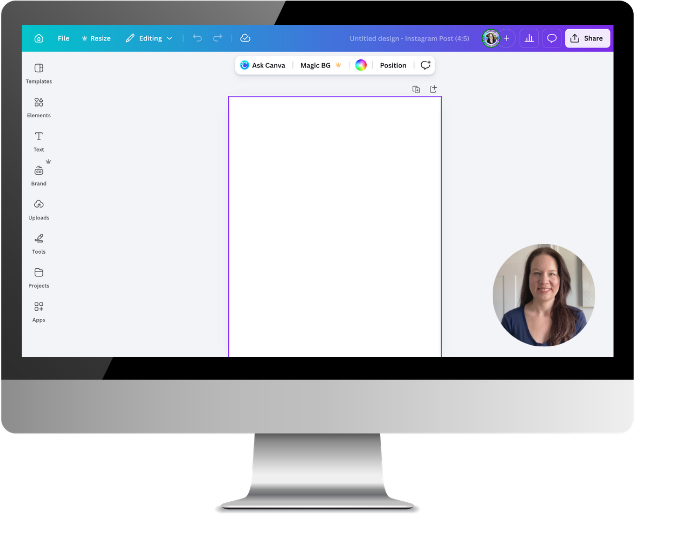
New to Canva Pro?
Not sure where to begin once you’re in?
I’ve put together a free Learn Canva in One Week email series that walks you through Canva’s free and paid features so you know exactly what’s available to you and how to make the most of it.
No trial required — you can sign up for this right now!
What You Get with Canva Pro
Here’s what unlocks the moment your Canva Pro trial begins:

Stock Library

Template Library

Saving & Sharing

The Brand Kit

Canva AI

Organization
Ready to Try Canva Pro for Free?
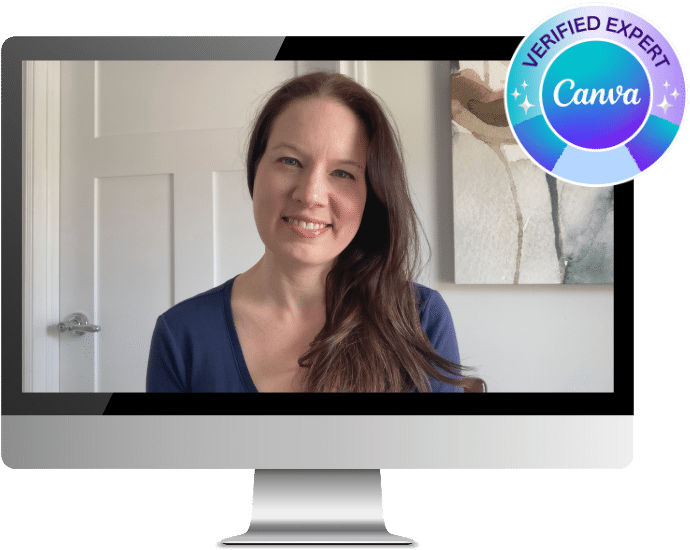
About Brenda Cadman
I’m a Canva Verified Expert — one of just 46 recognized worldwide by Canva for expertise in helping small business owners use the platform effectively.
When you use the trial link on this page, you’re signing up directly through Canva’s official website. No third-party sellers, no lifetime scams.
If you have questions about getting the most out of Canva, you’ll find tutorials and guides in my blog and on YouTube.
Frequently Asked Questions
Can I start a trial if I already have a Canva Free account?
Yes, and this is the question I get asked most often. You don’t need to create a new account. Just make sure you’re logged into your existing Canva account before clicking the trial link on this page, and it will upgrade what you already have.
Can I cancel before the trial ends?
Yes. You can cancel any time before the 30 days are up and you won’t be charged anything. If you decide to cancel, just go to your account settings and follow the prompts — it only takes a minute.
Will I lose my designs if I cancel my Canva Pro trial?
No. All your designs stay in your account. If you cancel, your account returns to the free plan and everything you created during the trial will still be there — you just won’t be able to edit any Pro-only elements unless you resubscribe.
Is this a legitimate Canva Pro trial link?
Yes. This is an official affiliate link provided through my Canva Verified Expert account. I’m one of just 46 Canva Verified Experts worldwide, recognized by Canva for my expertise in helping small business owners use the platform. When you click through, you’re signing up directly on Canva’s website —not through a third party.
Ready to unlock Canva Pro?
Start My Free Canva Trial*
*I earn a small commission if you subscribe after your trial, at no extra cost to you.
Have more questions about the trial?